POCKET 2D
STUDIO FOR DRAFTERS
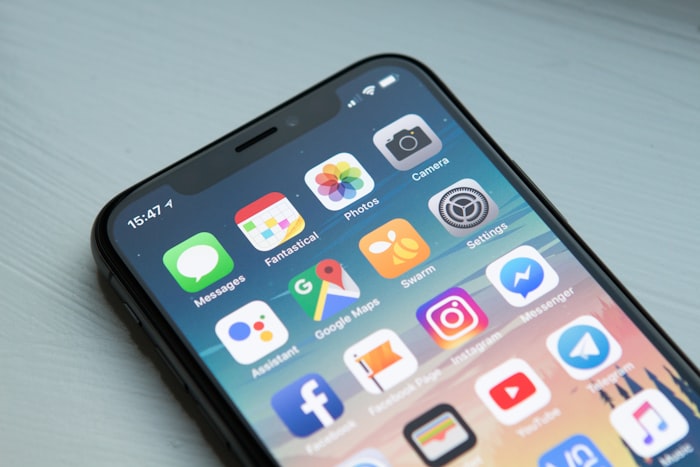
2D-POCKET turns your phone, tablet and laptop into a precision 2D CAD + pixel art lab. Draft floor plans, game sprites, laser-cut blueprints and vector sketches — with snap, layers, symbols and scale-accurate export.
Why pocket?
Big CAD power, tiny footprint
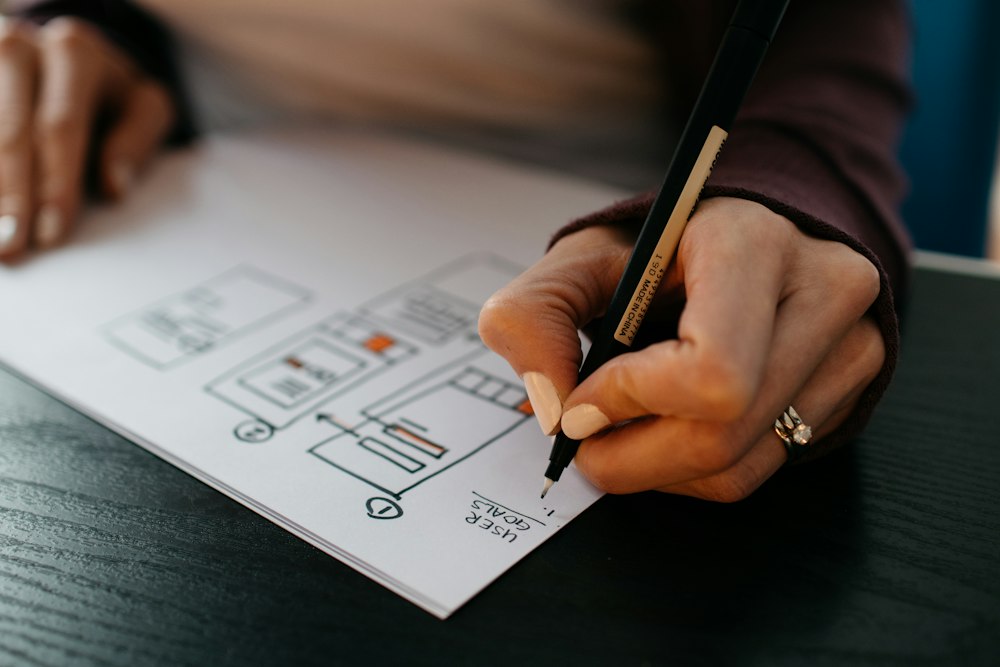
No heavy workstation. No learning cliff. 2D-POCKET packs pro drafting tools into 38MB — built for architects, indie game devs, makers, tattoo artists and classroom sketchers.
Snap-accurate drafting
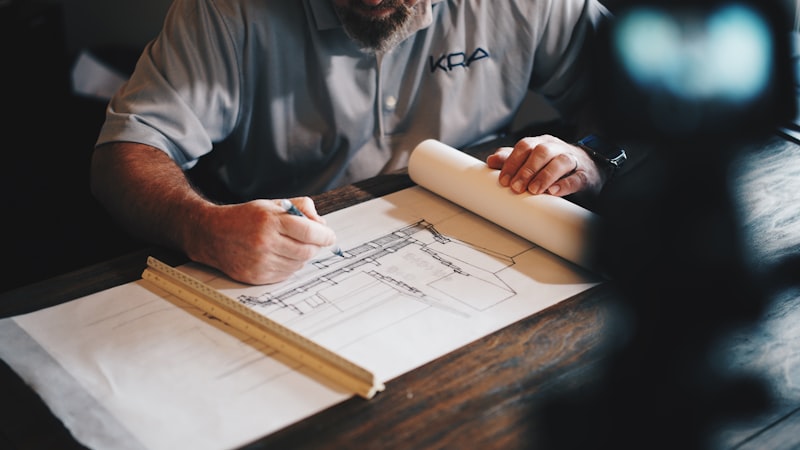
Smart snap, ortho lock, polar tracking, dimension chains and live measurements. Draw walls, circuits and sprites with 0.01mm accuracy.
Pixel + vector hybrid
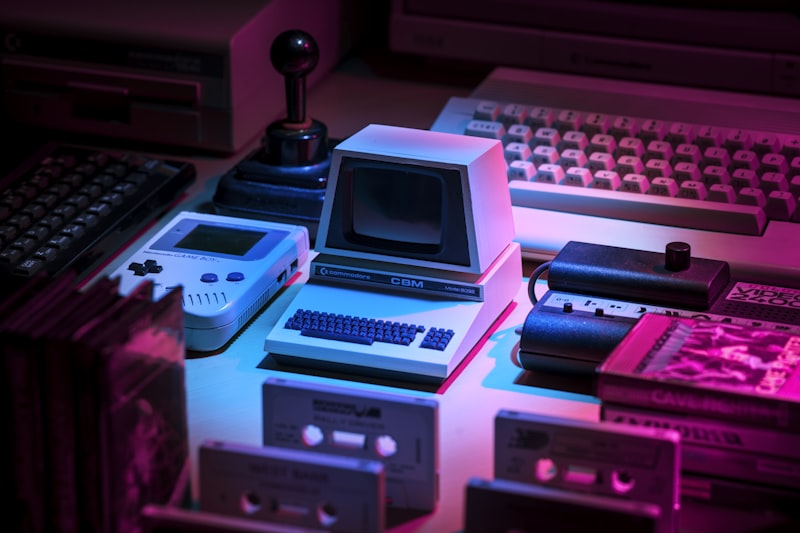
One canvas for crisp vectors and crunchy pixels. Onion skin, tilesets, palette locks and 1-click sprite sheets for games.
12,000 symbols library
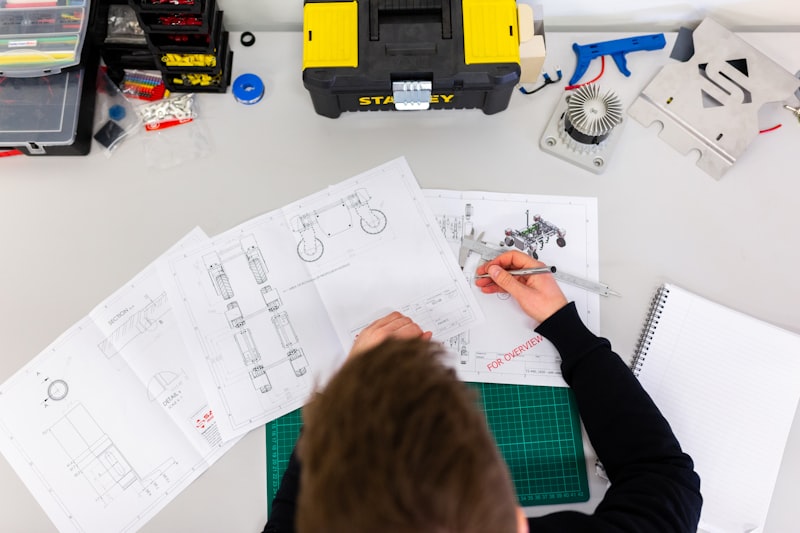
Doors, windows, resistors, furniture, RPG tiles, UI wireframes. Drag, parametric scale, auto-tag and BOM export.
⚡ 12ms ink engine
GPU-accelerated strokes with palm rejection and pressure curves. Feels like paper, behaves like CAD. Tested on 6-year-old phones.
📦 Laser & print ready
One-tap presets for Glowforge, xTool, Cricut, A4/A3 sheets, scale bars and cut-line colors. SVG, DXF, PDF, PNG, PKT.
🔒 Offline-first + sync
Autosave locally every 3s. End-to-end encrypted sync across phone, tablet and desktop. No account needed to start.
★ About 2D-POCKET
Born in a maker garage, built for pockets
2D-POCKET.com started in 2019 when two friends tried to draft a tiny-house plan on a bus — with no laptop, no Wi-Fi, just a phone. Desktop CAD was too heavy, drawing apps too vague. So they built the missing middle: real 2D precision in your pocket.
Today 480,000+ architects, game artists, teachers, laser-cutter owners and DIY builders use 2D-POCKET daily. From Tokyo capsule hotels to Berlin fab-labs, from pixel game jams to classroom geometry — our mission is simple: anyone can draft anything, anywhere.

Garage v0.1
First snap engine on Android, 800 users.
Pixel merge
Vector + pixel hybrid, tilesets launch.
Fab-ready
DXF laser presets, schools program.
Nebula
AI cleanup, AR measure, live collab.
Showcase
Made with pocket precision
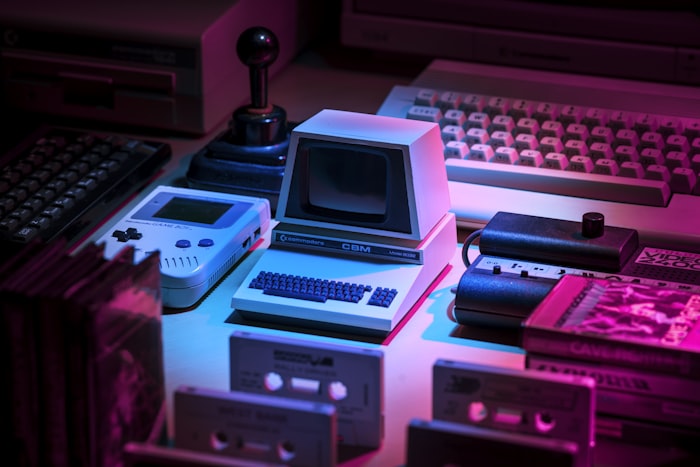
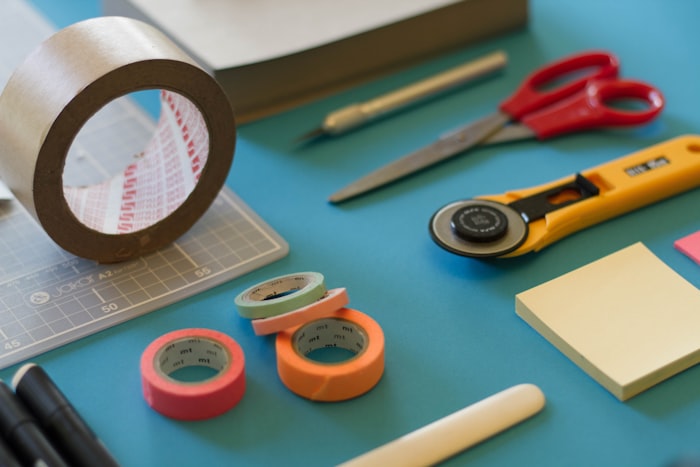
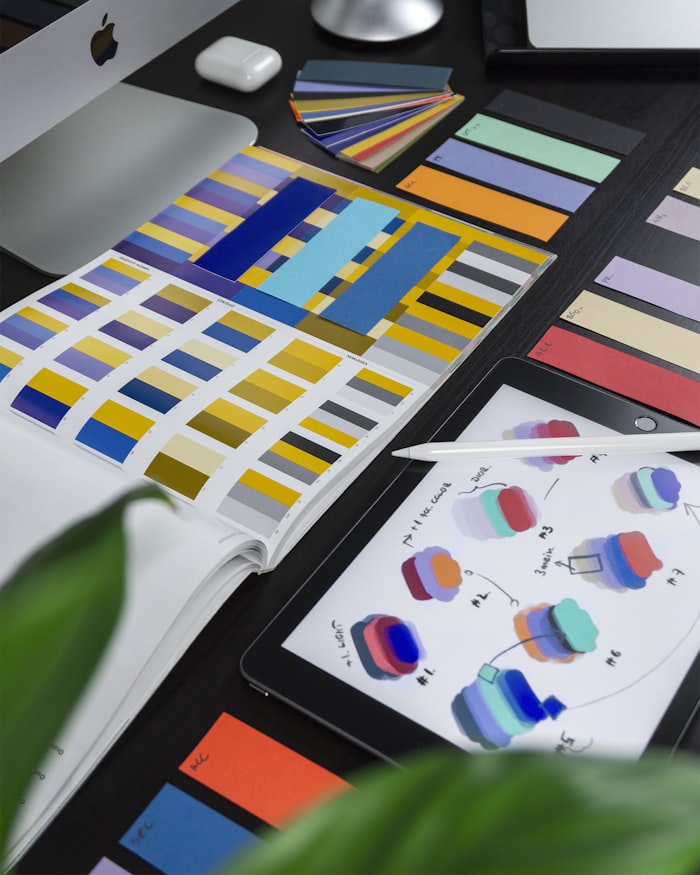
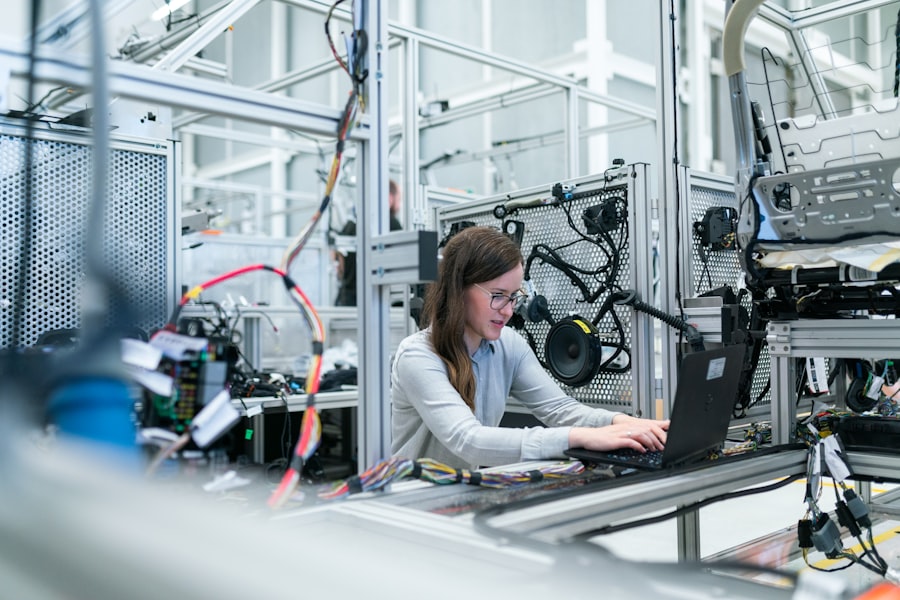
Real projects from the community: tiny-house blueprints, cozy game sprites, laser-cut lamps and tattoo flash — all started as pocket sketches.
Workflow
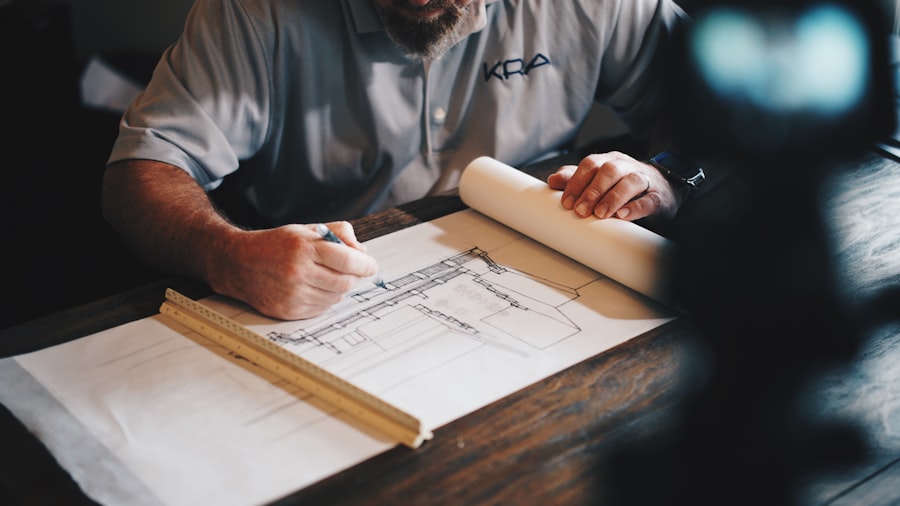
From napkin to cut file in 4 steps
① Sketch
Start with finger, stylus or photo trace. Auto-straighten, shape recognition and AR measure fill dimensions.
② Draft
Snap walls, add symbols, set scale 1:20–1:200. Layers, groups, dimension chains and live area calc.
③ Detail
Hatch, annotate, pixel-paint textures. AI cleanup removes wobble, closes gaps, vectorizes hand lettering.
④ Ship
Export DXF/SVG/PDF with cut presets, share link with live view, or send to print / laser / game engine.
Try the 60-second challenge
Draw a floor plan of your room. If it’s not dimensioned in a minute, coffee is on us.
Loved worldwide
480K makers can’t be wrong
“I drafted a full van-conversion plan on a train. Laser shop cut it without a single fix. Insane.”
Van builder, Lisbon
“Pixel + vector in one app? My game jam sprites went from Aseprite chaos to clean sheets in hours.”
Indie dev, Malmö
“We teach geometry with it. Kids measure the classroom in AR then draft it. Engagement ×3.”
Teacher, Pune
Pricing
Free to start, pro when ready
No credit card. No lock-in. Open .pkt files forever. Students, teachers and open-source get Pro free.
Pocket Free
For doodles & homework
- 3 projects, 5 layers
- Core pen + shapes
- PNG + PDF export
- Community symbols (2k)
- Local autosave
★ Pocket Pro
For makers & pros — most popular
- Unlimited projects & layers
- Precision CAD + AR measure
- DXF / SVG laser presets
- 12k symbols + AI cleanup
- Cloud sync + live collab
Studio / Edu
For labs, fab-labs, classrooms
- 30 seats + admin panel
- Shared libraries & BOM
- Print + laser calibration
- SSO + priority support
- Offline deploy kit
FAQ
Questions, answered
What exactly is 2D-POCKET?
A pocket 2D CAD + pixel studio. Think: AutoCAD precision meets Procreate ease, optimized for phones and tablets. Draft, dimension, hatch, pixel-paint and export production files.
Which files can I import / export?
Import: SVG, DXF, PDF, PNG, JPG, PKT. Export: SVG, DXF (R12/R14), PDF with scale, PNG up to 8K, sprite sheets, BOM CSV. Laser presets for xTool, Glowforge, Cricut.
Does it work offline?
Yes. Everything runs on-device. Autosave every 3 seconds locally. When online, encrypted sync resumes. Airplane mode is a feature, not a bug.
Is it good for games?
Built for it: 8×8 to 256×256 pixel grids, tilesets, onion skin, palette swap, one-click export to Unity, Godot, GameMaker. Many jam winners were drawn fully in pocket.
Can students get it free?
Yes — students, teachers and classrooms get Pocket Pro free with school email. Fab-labs and libraries get Studio at 70% off.
Journal / News
Fresh from the lab
Tutorials, releases, maker stories and laser tricks. Updated weekly by the pocket crew.
No stories yet
Fresh pocket guides are on the way. Check back soon or start your first draft today.
Get started
Your pocket studio awaits
Free forever plan • 2-min setup • Works on iOS, Android, Web, macOS, Windows. Drop your email and we’ll send the download + 5 starter templates.